Kids’ Guide: How to Clean Your Computer All by Yourself!
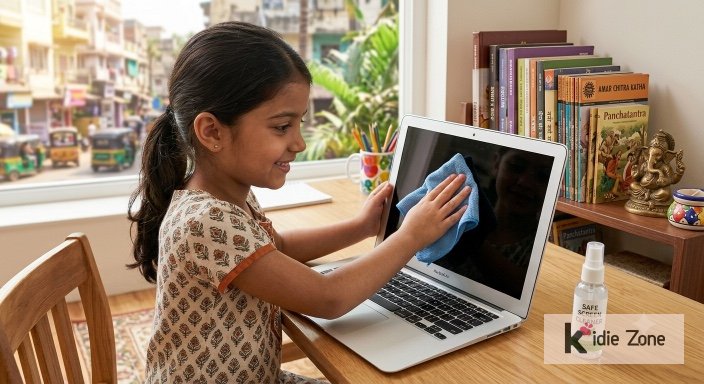
You probably use your computer every day for studying, playing games, or watching videos! But have you ever looked closely at your screen or keyboard? Just like you wash your hands, your computer needs a good cleaning too!
Taking care of your computer all by yourself is a great habit. It makes you feel responsible, and it keeps your favorite device looking shiny and brand new! Here are a few safe and easy tips to help you clean it like a pro.
1. Wipe the Screen gently
To clean your screen, always use a special LCD screen cleaner and a super soft, lint-free cloth. Important Rule: Never spray liquid directly on the screen or laptop body! Always spray a tiny bit onto the cloth first, then wipe smoothly. Spraying liquid directly can seep inside and damage delicate parts.
2. Blow Away the Dust
Dust gets trapped under keys easily. Ask an adult to help you use a can of compressed air. A gentle blast of air quickly blows away crumbs and dust! If you don’t have compressed air, a small handheld vacuum works great for cleaning grills and key spaces.
3. Say NO to Harsh Cleaners!
Never use household liquids like nail polish remover, hand sanitizer, vinegar, dish soap, window cleaner, or thinners. These strong liquids can strip away screen coatings and ruin the touchpad!
4. Use Anti-Static Cleaner
For your touchpad and body, ask for an anti-static cleaner. It removes oily fingerprints and stops new dust from sticking right back on!
Give your computer a quick clean every week—you’ll love working on a sparkling clean computer!
2915 total views, 1 today